Erstellung Archicad Büro-Vorlage
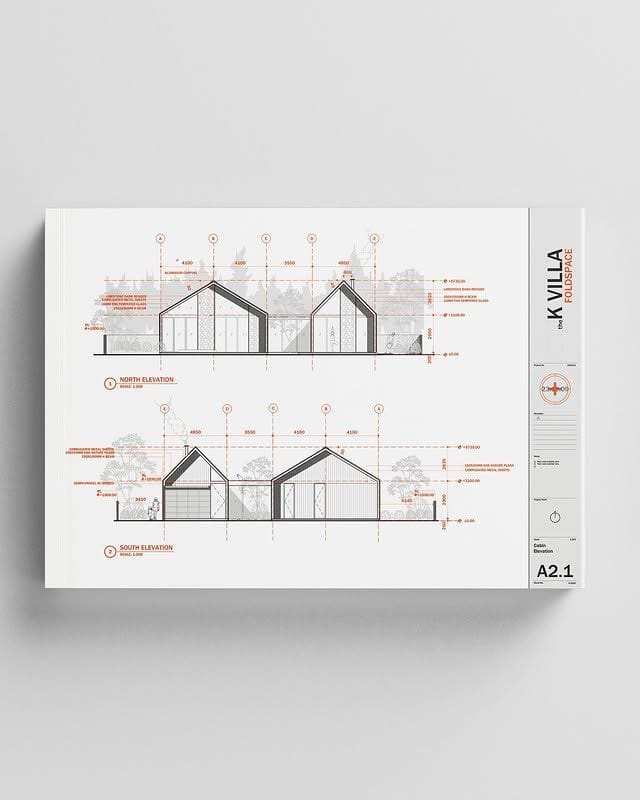
Erstellung und Implementierung eines Archicad-Templates für Architekturbüros, optimiert für modellbasierte Auswertungen nach BKP und eBKP-H. Spart Zeit, steigert Qualität und schafft eine verlässliche Basis für die Kostenplanung.
Eine konsistente und verlässliche Kostenermittlung direkt aus dem Modell ist ein entscheidender Wettbewerbsvorteil, scheitert jedoch oft an uneinheitlichen Projektvorlagen. Dieser Service schafft durch gezielte Standardisierung eine robuste Grundlage: Es wird ein durchdachtes Archicad-Vorlageentwickelt, in dem alle relevanten Bauteile, Attribute und Auswertungslisten bereits so voreingestellt sind, dass präzise Mengen und Kosten nach BKP und eBKP-H auf Knopfdruck verfügbar sind. Im nächsten Schritt erfolgt die individuelle Anpassung auf das jeweilige Büro, indem spezifische Layer-Strukturen, grafische Favoriten und Bürostandards direkt in die Vorlage integriert werden, sodass sie sich nahtlos in die gewohnten Arbeitsabläufe einfügt. Damit das neue Vorlagesein volles Potenzial entfalten kann, wird mit einer strukturierten Einführung und Schulung eine nachhaltige Implementierung sichergestellt. In gezielten Trainings wird dem Team gezeigt, wie die Vorlage effizient genutzt wird, um die neuen Möglichkeiten zur modellbasierten Auswertung souverän zu beherrschen.
Lieferanten:
Frequently Asked Questions
Ja, Sie können beliebig viele Services in Ihren Warenkorb legen, um ein umfassendes Angebot zu erstellen.
Klicken Sie einfach auf das "X" in der oberen rechten Ecke des jeweiligen Services in Ihrem Warenkorb.
Klicken Sie auf der Service-Seite auf den Teilen-Button (Share). Dadurch wird der Link kopiert und Sie können ihn bequem an andere weiterleiten.
Das sind die konkreten Aufgaben und Leistungen, die in einem Service-Paket enthalten sind. Sie zeigen Ihnen genau, was bei der Buchung geliefert wird.
Fahren Sie mit der Maus über das Anbieter-Symbol auf der Service-Seite oder klicken Sie darauf, um mehr über den Anbieter und seine Partnerschaft mit uns zu erfahren.
Klicken Sie auf das Paket-Symbol, um den Service in Ihren Warenkorb zu legen. Sie finden dieses Symbol unter jeder Service-Karte oder oben auf der jeweiligen Detailseite.
Gehen Sie zum Marketplace und wählen Sie "Nach Kategorie filtern". Alternativ finden Sie auf jeder Service-Seite unten den Bereich "Weitere Services wie dieser".
