BIM-Fachmodellierung in der Versorgungstechnik
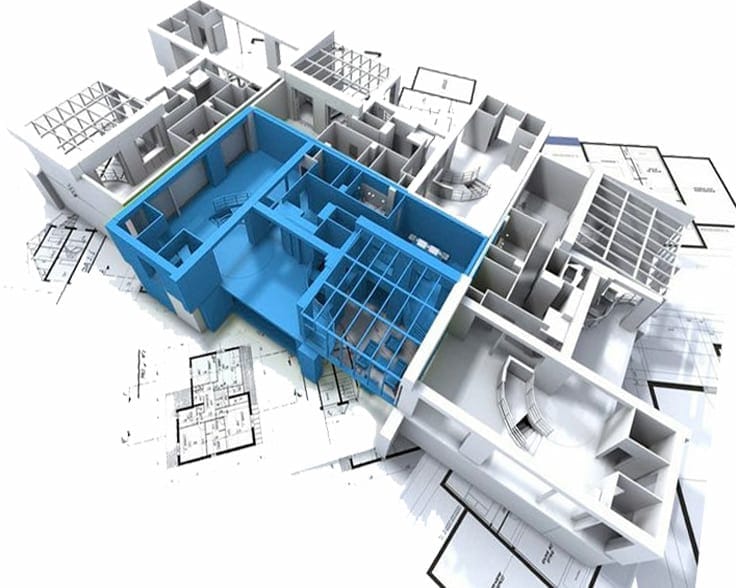
Fachgerechte Erstellung von digitalen Modellen für Ver- und Entsorgungsnetze nach projektspezifischen und openBIM-Standards.
Diese Dienstleistung konzentriert sich auf die digitale Fachmodellierung von linienförmiger Versorgungsinfrastruktur. Es werden präzise, georeferenzierte 3D-Modelle von komplexen Ver- und Entsorgungsnetzen erstellt, die den spezifischen Anforderungen von Versorgungsunternehmen und Infrastrukturprojekten entsprechen. Der Anwendungsprozess stellt sicher, dass die Modelle nicht nur die Geometrie, sondern auch wesentliche technische Informationen und Attribute enthalten. Der konkrete Mehrwert liegt in der verbesserten Planung und Koordination von unterirdischen und oberirdischen Leitungsnetzen. Die Modelle ermöglichen eine effektive Kollisionsprüfung mit anderer Infrastruktur, optimieren die Trassenführung und bilden die Grundlage für einen digitalen Zwilling, der für den späteren Betrieb und Unterhalt der Anlagen genutzt werden kann. Zusätzlich umfasst diese Dienstleistung auch die Modellierung von Betriebs- und Sicherheitsausrüstung (BSA). Die BSA-Fachmodellierung bildet alle technischen Systeme für den sicheren Betrieb von Verkehrsinfrastrukturen digital ab. Sie integriert Beleuchtung, Lüftung, Sicherheits- und Überwachungssysteme, Leittechnik und Kommunikationssysteme in einem kohärenten Modell. Kennzeichnend ist die Integration von Elektro-, Steuerungs- und Regelungstechnik unter Berücksichtigung funktionaler Zusammenhänge und Ausfallsicherheit.
Lieferanten:
Frequently Asked Questions
Ja, Sie können beliebig viele Services in Ihren Warenkorb legen, um ein umfassendes Angebot zu erstellen.
Klicken Sie einfach auf das "X" in der oberen rechten Ecke des jeweiligen Services in Ihrem Warenkorb.
Klicken Sie auf der Service-Seite auf den Teilen-Button (Share). Dadurch wird der Link kopiert und Sie können ihn bequem an andere weiterleiten.
Das sind die konkreten Aufgaben und Leistungen, die in einem Service-Paket enthalten sind. Sie zeigen Ihnen genau, was bei der Buchung geliefert wird.
Fahren Sie mit der Maus über das Anbieter-Symbol auf der Service-Seite oder klicken Sie darauf, um mehr über den Anbieter und seine Partnerschaft mit uns zu erfahren.
Klicken Sie auf das Paket-Symbol, um den Service in Ihren Warenkorb zu legen. Sie finden dieses Symbol unter jeder Service-Karte oder oben auf der jeweiligen Detailseite.
Gehen Sie zum Marketplace und wählen Sie "Nach Kategorie filtern". Alternativ finden Sie auf jeder Service-Seite unten den Bereich "Weitere Services wie dieser".
